
Integrations
AI That Works With the Systems You Already Use
Business systems in, AI agents and workflow in the middle, business systems out. The connection options, and what gets confirmed during assessment.
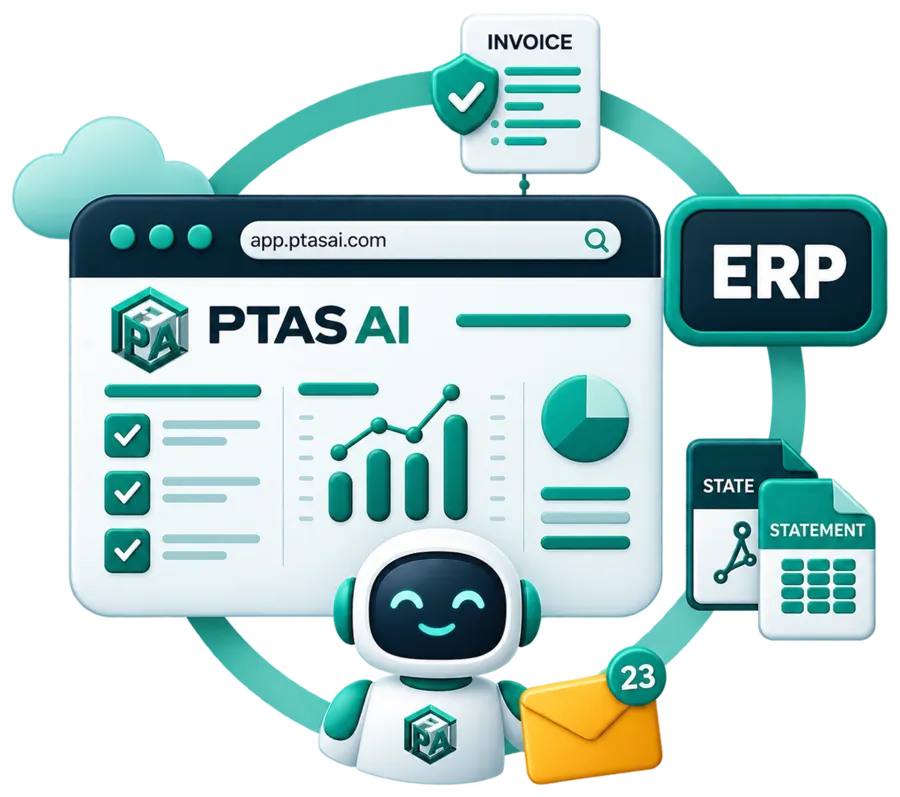
What moves
From your systems, through PTAS AI, back into your systems
Business systems supply the masters and the open items. PTAS AI and its agents read the documents and decide. Workflow handles approvals and exceptions. The result goes back into the business systems your team already works in.
ERP and accounting
CRM and business applications
Documents and storage
PTAS AI
AI agents
Invoice, receipt, bank statement, purchase order and KYC agents read each document, score every field and run your checks.
Workflow
Rules decide the next step, approvals route by limit, and anything a rule cannot settle reaches a named person.
Back into your business systems
Postings, records and status written to the system your team already works in, with a trail on both sides.
Every system named in this section is a planning example. The route for each system in your workflow is stated as native, API, file or custom, and confirmed during assessment before anything is built.
AI inside the systems you runThe section
Nine integration pages, one system each
Seven business systems and the two interfaces for everything else. Each page shows what moves, the routes available, where each finance object lands and what protects the connection.
SAP
Supplier invoices matched to purchase orders and goods receipts, posted through invoice verification.
Oracle
Payables invoices into Fusion Cloud ERP or E-Business Suite, with holds and payment status read back.
QuickBooks
Bills, vendors and attachments in QuickBooks Online, with payment status returned by webhook.
Microsoft Dynamics
Vendor invoices into Dynamics 365 Finance or Business Central, matched to orders and receipts.
Tally
Purchase vouchers into TallyPrime with party ledgers and the CGST, SGST or IGST split intact.
Zoho
Bills into Zoho Books, customer records in step with Zoho CRM, workflows started from either side.
NetSuite
Vendor bills created from purchase orders and item receipts, with approval and payment read back.
REST API
For your own applications: submit documents, receive scored JSON, start and follow workflows.
Webhooks
Events pushed when a document is processed, a review completes or an approval changes.
Integration methods
What native, API, file and custom mean here
Four words, used the same way on every page. They describe different amounts of work, so we never let one stand in for another.
Native
A packaged connector that exists
Installed and maintained like a product. We call a route native only when that connector exists. Several ERPs ship capture tools of their own, and each system page says so where it matters. Where a page does not say native, read it as not native.
API
The system's published interface
Reads and writes through the APIs the vendor publishes, called by an integration user or app your administrator creates and can revoke. Close to real time, with status read back. Our default wherever the system offers one and your IT team will release it.
File
Scheduled exports and imports
Files in the format the system already imports, exchanged over SFTP or a shared folder on a schedule, with the import log read back. Slower than an API and often easier to approve. Frequently the right answer for a desktop ledger or an outsourced ERP.
Custom
Built around several systems
Orchestration on top when one workflow touches several systems, entities or instances, or when an integration platform you already run should carry the traffic. One queue, one approval policy, one mapping per entity.
The method belongs to your installation, not to the product name on the box. Two companies on the same ERP can end up on different routes because one has an outsourced support contract, or a Tally that is switched off at night, or an integration platform its IT team insists on. So we state the route per system before build, and we say plainly when it is a file or a custom build. A file integration that runs every night without fail is a good integration. We just will not call it real time.
Three places AI ends up next to an ERP
Extraction or scoring in a screen of its own. Someone copies the result into the ERP, and the ERP has no record of where the value came from or who checked it.
Types into the ERP the way a person would. Quick to set up, and fragile when a screen, a field order or a pop-up changes. The posting carries no evidence of why it was made.
Reads masters and writes records through the APIs or files your IT team releases. It validates before it posts, and the record keeps the source document, the rule that applied and the approver, if there was one.
A fair question for any vendor, us included: after the posting, what does the ERP know about how it got there?
Where each system starts
The route we would expect, before discovery
A starting point, not a promise. SAP, Oracle and QuickBooks pages describe the route in detail. For the rest, the route is confirmed in discovery against the version you run and the people who run it.
Systems shown on this site
The wider list, and what a name on it means
These names appear across the site because buyers ask about them. The ERPs and ledgers each have a page of their own in this section.
ERP
SAP · Oracle · Microsoft Dynamics · NetSuite
Each has its own page. The routes for SAP and Oracle are described there; Dynamics and NetSuite are confirmed in discovery.
Accounting
Tally · QuickBooks · Zoho Books
Each has its own page. QuickBooks is described in detail; Tally and Zoho are confirmed in discovery.
CRM
Salesforce · HubSpot · Zoho CRM
Customer accounts and orders read from documents and written where your sales team works. Scoped per project.
Analytics
Power BI · Tableau
Extracted data and queue history feeding the reports your team already builds. Scoped per project.
Data and storage
Snowflake · AWS S3 · Azure Blob
Documents picked up from storage; results delivered to a bucket, a container or a warehouse table. Scoped per project.
Interfaces
REST APIs · Webhooks
For everything else: your applications call PTAS AI, and PTAS AI tells them when something changed.
Where to start
Three facts settle the route.
Most integration questions are answered in the first conversation, before any build, by three facts about your systems. Bring them to a call and the route for each system comes back stated plainly.
Book a Call-
01
The system and its version
S/4HANA or ECC, Fusion or E-Business Suite, TallyPrime on a server or on one desktop. The version decides the route.
-
02
Who owns it
Your basis team, a Tally partner, an outsourced support contract. The owner decides what will be released, and how quickly.
-
03
A month of real documents
With the vendor master and tolerances they are matched against, so the mapping is built on your data.
Keep reading
Related reading
FinSuite Integrations
How FinSuite posts into any ledger, method by method.
Read more →DocPro Integrations
Where structured document data goes next: ERP, storage and workflow systems.
Read more →Enterprise Automation
AI inside the ERP, CRM and applications you already run.
Read more →Security
Access, encryption, deployment, audit and retention.
Read more →Next step
Tell us which system holds the books
Name the ERP or ledger, its version and who runs it. The assessment states the integration route for each system in your workflow, and says plainly where a route is a file or a custom build.