
Products · FinSuite
PTAS FinSuite: AI Finance Automation
Automate finance operations from invoice intake and vendor management to reconciliation, compliance and ERP-ready processing.
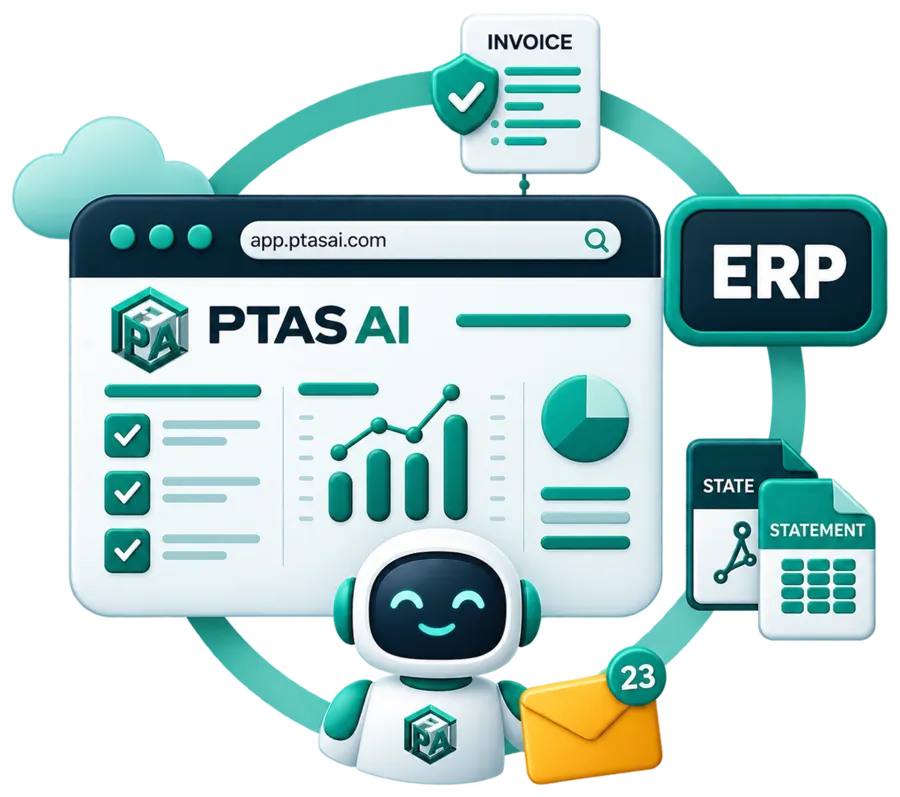
Modules
Five modules, one finance workflow
DocPro understands documents. FinSuite executes finance workflows. Each module below runs on its own, and together they share one vendor master, one rule set and one audit log.
FinSuite AP Automation
Invoice capture, policy checks, three-way match (six-way where the data exists), approval routing and ERP posting. The module most teams start with, because payables carry the volume.
FinSuite Vendor Management
Onboarding through a vendor link, GSTIN, PAN and bank verification at source, duplicate prevention and change control on the vendor master.
FinSuite GST Compliance
Rates and HSN or SAC codes checked per line, supplier registrations verified, and the purchase register reconciled to GSTR-2B before the return is prepared.
FinSuite Bank Reconciliation
Statement lines parsed from any bank format, matched to bills, payments and ledger entries, with each break listed with a likely cause and an age.
Expense & Payment Operations
Employee claims and payment runs under the same approval bands and the same audit log. How these are solved is described on Expense Automation and Payment Automation.
The finance workflow
From invoice to audit, one chain
This is the path an invoice takes through PTAS AI. DocPro reads it at step two. FinSuite runs everything after, and a step that fails its check holds the invoice there until a person decides.
-
01
Invoice
-
02
DocPro
-
03
Vendor Validation
-
04
PO
-
05
GRN
-
06
Invoice Matching
-
07
Tax / GST Validation
-
08
Business Rules
-
09
Approval
-
10
ERP
-
11
Payment
-
12
Audit
Document intelligence → Finance workflow → System of record
See DocPro and FinSuite togetherMatching architecture
Three-way match by default, six-way where the data exists
Every PO-backed invoice gets a three-way match by default: the purchase order, the goods receipt and the invoice's own arithmetic. Where you hold the vendor, contract and tax data, FinSuite extends it to six-way matching, so the invoice is tested against six independent sources before it can post.
Check 1
Vendor identity
The supplier on the invoice is resolved to one verified vendor record. GSTIN, PAN, legal name and bank account have to agree with the master before anything else runs.
Check 2
Purchase order
Each line is compared with the PO at item, quantity and unit price, inside the tolerances you set. A price drift of a few rupees per unit is a hold, not a rounding.
Check 3
Goods receipt
Quantities are compared with the GRN, so an invoice for goods that have not arrived waits for the receipt rather than for someone to notice.
Check 4
Quantities and pricing
The arithmetic is redone from the lines: extended amounts, discounts, freight and rounding. The invoice total is a claim to be tested, not an input.
Check 5
Contract terms
Where an agreement is on file, rates, payment terms and validity dates are compared with it. Where there is none, the check is skipped and the skip is recorded.
Check 6
Tax, bank and duplicate
The GST rate and the supplier registration, the bank details held on the vendor master, and a search for the same invoice submitted before under any number.
One line, three documents · Illustrative example
Four cases against forty units is the same quantity once the pack size is known. That conversion is where most manual matching stalls.
A non-PO invoice has no PO or GRN to compare with, so it runs on the remaining checks plus coding rules and approval bands. A vendor with no agreement on file skips the contract check. The module records which checks ran and what each found, and that record travels with the entry into the ERP.
Controls
What stops an agent from doing the wrong thing
Autonomy in finance is useful when its boundaries are explicit. These are the four FinSuite enforces on every workflow.
Review gates
An invoice stops when a field is below your confidence threshold, a check fails, or the amount crosses a band that needs a person. The queue shows the specific problem, not the whole document.
Approval boundaries
Approvers are defined by role, amount, cost centre and legal entity. The agent prepares, routes and reminds. It does not approve.
Segregation of duties
Whoever creates or changes a vendor cannot approve that vendor's invoices, and whoever approves cannot release the payment. The split is enforced by role.
Audit log
Every read, check, decision and posting is recorded with the actor, the time, the rule version and the evidence. It exports in a form your auditors can work with.
Encryption, data residency, retention, deployment models and what the agent is never allowed to do are set out on FinSuite Security.
Systems of record
FinSuite posts into your ERP. It does not become it.
The chart of accounts, cost centres and vendor master stay where they are. FinSuite prepares the validated entry, posts it, and writes the document link and the status back.
SAP
ERP
Oracle
ERP
Microsoft Dynamics
ERP
Tally
Accounting
QuickBooks
Accounting
Zoho
Business suite
NetSuite
ERP
REST API
Interface
Webhooks
Events
The systems named here are planning examples. Each connection is built as one of four methods: native where a supported connector exists for your edition, API where the system exposes one, file exchange where it does not, and custom where the process needs it. We do not describe a connector as ready until it is running in your environment, and the method and scope are confirmed during assessment. The detail is on FinSuite Integrations.
Our view
Where we would start, and what we would leave to people
Start with payables on one legal entity. Put a closed month through the module, compare the postings it proposes with the ones your team made, and look hard at what it held back. That comparison is the evaluation. A demo on our sample invoices is not.
Some things we would not automate. The approval itself stays with the approver. A change to a vendor's bank details always goes through a person. A disputed invoice is a conversation, not a rule. And the GST return is filed by your team or your tax agent, from data the module has prepared and reconciled. FinSuite is built to make those moments rarer and better informed, not to remove them.
FAQ
Questions finance teams ask about FinSuite
Does FinSuite replace our ERP or accounting system?
No. FinSuite runs the work in front of the system of record and writes the finished entry into it. Your chart of accounts, cost centres, vendor master and dimensions stay where they are, and every posted entry carries a link back to the source document and to the checks it passed.
Do we have to take all five modules?
No. Each module runs on its own, and most teams start with AP Automation because payables carry the volume and the chasing. Vendor Management, GST Compliance and Bank Reconciliation share the same vendor records, rules and audit log, so adding one later does not mean a second system.
Where does DocPro end and FinSuite begin?
DocPro reads the document and returns structured fields with a confidence score on each. FinSuite takes those fields and runs the finance work: vendor validation, matching, tax, approval, posting and reconciliation. On an invoice, DocPro's job is done when the fields are returned. Everything after that is FinSuite.
Which module should we start with?
Usually AP Automation on one legal entity or one vendor group, because its output can be compared with postings you have already made. If the vendor master is known to be untidy, Vendor Management goes in before AP so the rollout does not inherit the duplicates. In India, GST Compliance tends to come next.
How long does a FinSuite rollout take?
Four to twelve weeks is the typical range, and it varies with document variety, the workflows in scope, the integrations and the deployment model. The assessment gives a narrower estimate for your case. A rollout normally starts on one entity and widens once the output has been checked against your own records.
Keep reading
Where to go next
From Document to Finance Action
How DocPro and FinSuite hand off to each other on a single invoice, step by step.
Read more →DocPro
The document intelligence layer that reads the invoice, statement or certificate before FinSuite acts on it.
Read more →Accounts Payable Automation
The business problem, the symptoms and the outcomes, written for teams sizing the opportunity.
Read more →Assess Your Finance Workflow
A short questionnaire on how invoices, vendors, tax and payments move through your team today.
Read more →Next step
Find out which module to start with
The assessment asks how invoices, vendors, tax and payments move through your team today. The result says where FinSuite would take work off your desk soonest, and what we would leave alone.