
Solutions · Documents
Intelligent Document Processing
Beyond OCR: the document is classified, read, cross-checked against your masters, and routed for review only where confidence is low.
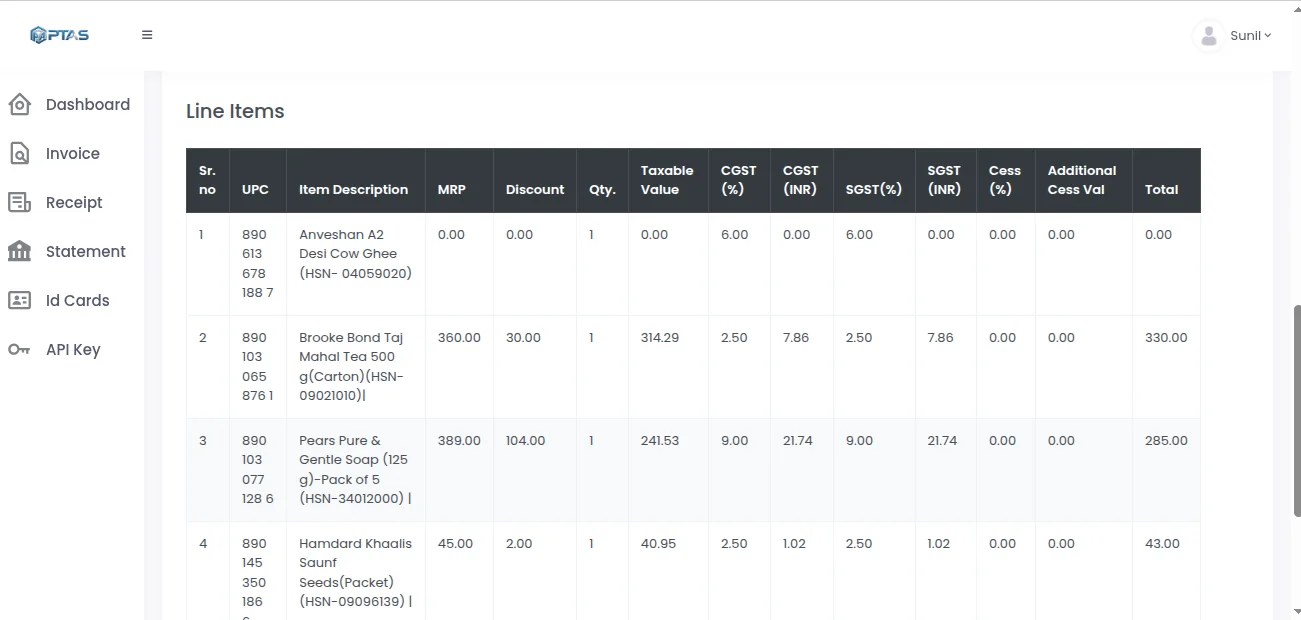
How the pass works
Reading Is the Easy Part
Getting characters off a page has been solved for years. Knowing whether what you read is correct has not.
Stage
Classification first
The document type is identified before anything is read, so a delivery note is never processed as an invoice.
Stage
Layout independence
Fields are located by structure and surrounding context rather than by fixed coordinates on a stored template.
Rules
Business validation
Values are tested against your masters, your tolerances and your arithmetic, not merely against a pattern.
Rules
Cross-page checks
Totals, balances and table continuations are reconciled across every page of a multi-page document.
Judgement
Confidence model
A score on each field, so the threshold above which a value posts automatically stays your decision.
Judgement
Exception routing
Only what falls below that line reaches a person, with the specific field flagged rather than the whole document.
Judgement
Data With a Position on Itself
The useful output is not just the value. It is the value, what it was checked against, and how sure the agent is.
What each layer hands you
A block of text in reading order. Correct characters, no idea which of them is the invoice total.
Named fields, as long as the layout matches a template someone built. A redesign breaks it silently.
Typed fields found by context, validated against your masters and arithmetic, each carrying a confidence score and a route to review when it falls short.
The difference is not accuracy on a clean sample. It is what happens on the document nobody anticipated.
Type classification
What the document is, before what it says.
Rule engine
Validation written in business terms, not regular expressions.
Review queue
One field to check, not a document to re-read.
The difference
Against Plain OCR
FAQ
Questions Teams Ask
What is the difference between OCR, IDP and agentic extraction?
OCR reads characters. IDP adds classification and field mapping on top, usually against templates or trained layouts. Agentic extraction adds the reasoning layer: it decides what the document is, validates what it read against your business rules, and escalates what it cannot settle. The practical difference is that the first two hand you data to check, and the third hands you data with a position on how much to trust it.
Do we need a template for every supplier?
No. Templates are the thing this replaces. Fields are found by structure and context, so a supplier sending their first document works immediately, and one who redesigns their layout keeps working rather than silently failing.
What happens when the agent gets something wrong?
Low confidence routes the field to review before anything posts, which catches most of it. Where something wrong gets through at high confidence, the validation rules are where it is tightened — a tolerance narrowed, a cross-check added — so the same class of error does not recur.
Can this run inside our own infrastructure?
Yes. On-premise and air-gapped deployments are available for regulated workloads, and cloud deployments run in the region of your choice on AWS, Azure or Google Cloud.
Keep reading
Related Capabilities
DocPro
Every document type this processing layer handles.
Read more →Invoice Extraction
The same engine on the highest-volume document there is.
Read more →AI Agents
The named agents that carry out each stage of the pass.
Read more →Agentic AI Platform
The runtime underneath, and how its decisions are governed.
Read more →How to Evaluate IDP
A test set, a scorecard and the outcomes worth measuring before you buy.
Read more →Next step
Test It on the Documents That Break Things
The multi-page ones, the redesigned ones, the ones your current tool quietly gets wrong.