
Research · DocPro Test
Test Your Document with PTAS DocPro
Upload a sample document and see the extracted fields, confidence and validation. No account needed.
Run the test
Run the document extraction test on one of your own files
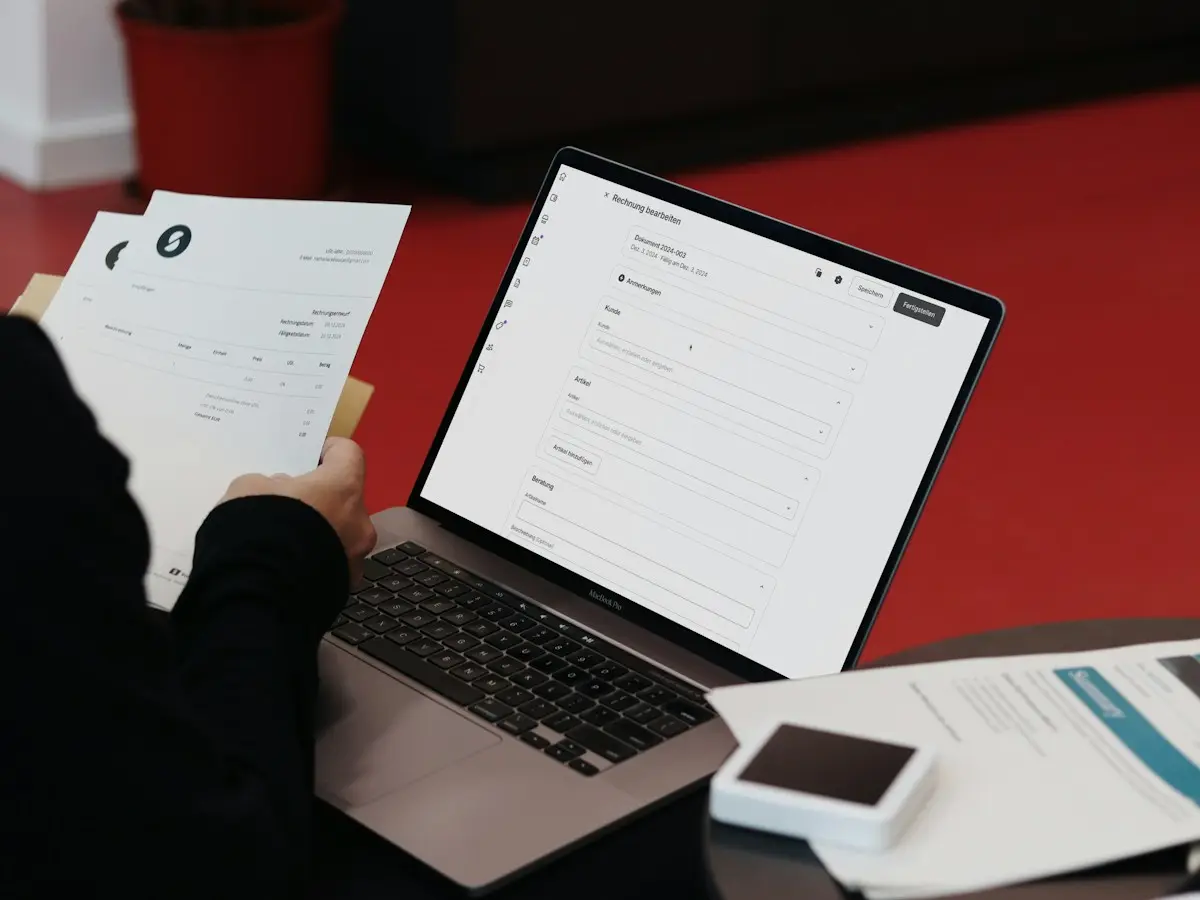
This document extraction test takes an invoice or a UPI payment receipt and returns the fields DocPro read from it, beside the page it read them from. It needs no account and no sales call first.
Choose the document type, add the file, run the test. The page and the fields appear below this card.
The file is processed to run the extraction, stored on PTAS AI infrastructure for the test and quality review, not public, and not used to train models. Retention is described in the privacy policy.
The page, as uploaded
No preview is available for this file. The fields on the right were still read from it.
The fields, as read
What comes back
What the test shows, and what it leaves out
The test shows the reading. The product adds the scoring, the checks and the review queue, and those depend on your thresholds and your rules, so we show them on your documents rather than on a stranger's.
The gap is deliberate. A confidence score is a number between 0 and 1 on one field of one document, and it only becomes a decision when you have said which fields may post unattended and at what score. A validation result only exists once the agent knows your vendor master, your GST rules and your tolerances. Both are set during onboarding. Printing our defaults on a public page would tell you about our defaults, and nothing about your process. The record below is the shape a deployment returns, with invented values.
One invoice, as the agent returns it · Illustrative example
Thirteen fields cleared the threshold and posted. One handwritten amendment did not, so that row alone went to review.
A score per field
The record says which fields it is sure of, rather than whether the document passed.
Totals recomputed
Lines, tax and grand total checked against each other before anything posts.
One row to review
A handwritten amendment goes to a person. The other thirteen fields do not.
What to upload
Pick the document you would least expect it to read
A clean, typed invoice proves little. Your queue is not made of those, so test with what your queue is made of.
Good test
A supplier invoice with a real line table
Two tax columns, a discount line, a round-off, a stamp across the totals. The kind of invoice that gets keyed twice because the first attempt did not add up.
Good test
A UPI receipt from a phone
A screenshot from the payment app, or a photo of the printed slip, cropped badly on purpose. Reimbursement claims arrive like this, so test like this.
Good test
A scan with some history
Fax quality, a skewed page, handwriting over a field. If the fields still come back, the clean documents are not a question.
Save for a demo
Anything with more than one page
One image is one page here. A bundle of invoices or a long PDF belongs in a demo, where page handling and batch intake are set up for your documents.
Save for a demo
Bank statements, purchase orders, KYC documents
The agents exist and have their own pages below. This public test runs the Invoice Agent and the Receipt Agent only.
Save for a demo
Your own schema and rules
The test reads a fixed set of fields. A demo reads the fields you define, matches them to your masters and applies your tolerances.
Document types
Two agents in this test, six in the product
The public test runs the Invoice Agent and the Receipt Agent. The other four are shown in a demo, on your documents, because their value sits in the checks that follow the reading.
Your file
What happens to the file you upload
Four things are true of every file that goes through this test. The sentence under the form says the same in one line; this is the longer version.
Processed for the extraction
The file goes to the DocPro extraction service for this one run. The result comes back inside the response to your browser.
Stored for the test and quality review
It is kept on PTAS AI infrastructure so that when a read goes wrong, the team can put the fields next to the page and find out why. Retention is described in the privacy policy.
Not public
Nothing is published. The preview you see is sent back inside the response rather than served from a link, so there is no file address to guess, bookmark or forward.
Not used to train models
Your document does not become training data. What we take from a bad read is a defect to fix, not a sample to learn from.
Before you upload, use a document you are entitled to share, and mask anything you must. A masked field comes back blank, which is the correct result. The browser checks the type and the size before anything is sent, and the server checks the type again. The terms cover the test in a paragraph, the privacy policy covers retention and your rights, and Security describes the deployment models, including private deployment and on-premise or air-gapped deployment where supported, for the organisation whose policy does not allow a public test at all. DocPro Security covers access control, redaction and retention for document data once you are past the test.
The test is one of three evaluation tools. The other two, the benchmark and the finance workflow assessment, are on the Research and evaluation page.
FAQ
Questions Teams Ask
Which documents can I test?
An invoice or a UPI payment receipt, as a JPG or PNG up to 10 MB. PDF support is coming soon. Bank statements, purchase orders and KYC documents have their own agents and are shown in a demo, not in this public test. The document type you pick tells the service which agent to run, so a receipt sent as an invoice will come back wrong.
Do I need an account or a sales call first?
No. The test asks for the file and the document type and nothing else. No contact details are collected, so nothing follows from running it. If you want to talk afterwards, the two buttons under the result are the way in.
Where are the confidence scores and the validation results?
In the product record, not in this test. The test returns the fields the agent read, laid out beside the page. A score is only useful against a threshold, and a validation result only against your vendor master and your tolerances, and both are set for your process during onboarding. So we show them in a demo on your documents, where they mean something.
A field came back blank or wrong. What does that tell me?
Something useful. A blank means the agent did not settle a value and did not invent one; in production that field would carry a low score and go to a person with the reason. A wrong value on clear print is worth sending us: tell us the document type and what you expected, and we will look at that read. One document is a sample of one, which is why the next step is a set of your documents rather than a verdict on this one.
Can I run a batch, or a document with several pages?
Not here. One file is read at a time and one page is shown. Batch intake, multi-page handling, asynchronous jobs and completion webhooks are part of the DocPro API and are set up in a demo for your document types.
Keep reading
After the test
DocPro
The product this test runs: six agents, one pipeline, a score on every field.
Read more →Invoice Agent
What the full invoice schema covers, and how totals, GSTIN and the vendor master are checked.
Read more →Receipt Agent
Expense lines out of photos, scans and forwarded mail, with the duplicate check.
Read more →Finance workflow assessment
Seven minutes on your payables process: intake, matching, approvals, exceptions, GST and posting.
Read more →Next step
Now run it on a hundred of your documents
A call with the team takes your document types, your masters and your rules, and shows the scores, the checks and the review queue this test leaves out.